The wrong variant
Similar garments can differ by size or color. Match the readable SKU, barcode data and physical product before applying a label.
Plan barcode labels for your SKU list, individual products and shipping cartons—then agree how each one is printed and applied.

Prevent ambiguity before labels reach the packing table.
Similar garments can differ by size or color. Match the readable SKU, barcode data and physical product before applying a label.
Agree the code type, printed size, surface and placement. A good-looking label can still have the wrong data or poor reading conditions.
Specify who prints, who applies and who checks each label. Include relabeling and carton identification in the same handover.
Barcode labels carry machine-readable information for a product, unit or carton. Those levels are related, but they are not interchangeable: a product number does not identify a particular shipping box.
Plan the barcode data and label application alongside your custom packaging. Keep branding separate from the identification area.
A SKU label carries your own stock keeping unit, such as TEE-NVY-M. Use a consistent format to distinguish variants. Choose a barcode format your inventory system supports and keep the readable identifier beneath it.
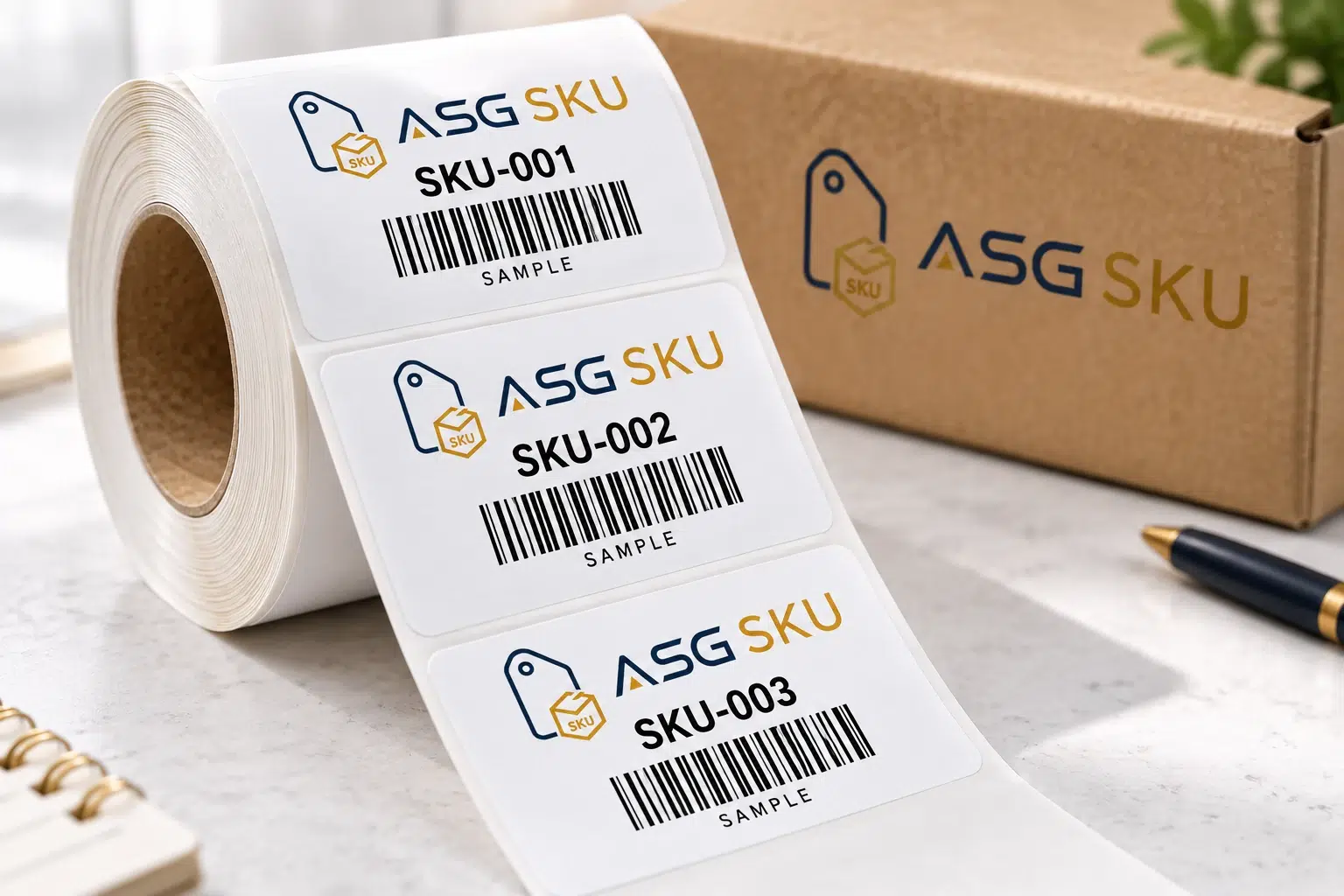
Choose by where the label goes and who scans it. Sizes and stock are quoted per design.
Scroll across to compare all specifications.
| Label type | Used for | Barcode | Common size |
|---|---|---|---|
| UPC / EAN product label | Retail product identification | UPC-A / EAN-13 as required | Confirm specification |
| Internal SKU label | Picking and inventory | Format supported by your system | Confirm specification |
| Amazon unit label | FBA inventory when required | Use supplied Seller Central file | Use current label template |
| Carton label | Identify the shipping box | Required shipment label / box ID | Use shipment workflow |
| 2D label | Batch data or a destination link | Data Matrix / QR as required | Confirm application |
Confirm label stock, adhesive and printed dimensions, then review the approved data-file version and agreed sample checks on the actual packaging. Minimum quantities and timing are confirmed in your quote.
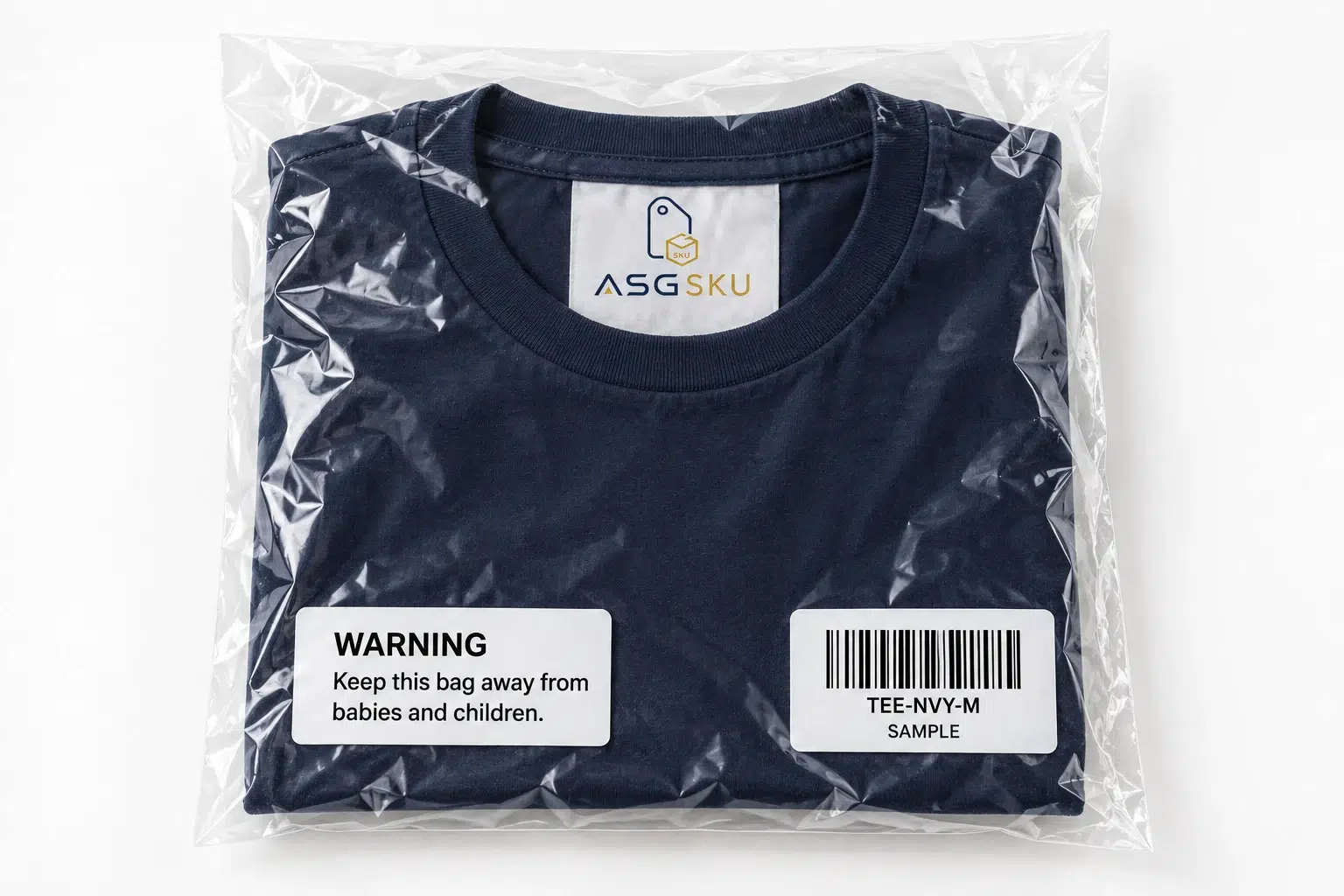
Warnings and handling instructions are separate from barcode data. Identify the product, packaging, destination and channel requirements before approving wording and placement.
The pictured warning is a layout example. Supply the complete wording required for your shipment.
Choose the application, then confirm the data and stock.

Transparent branding can sit beside an opaque white barcode area. Review contrast and placement on the actual bottle.

Connect size, color and style to the garment identifier. Agree labels for the tag, bag and each variant.
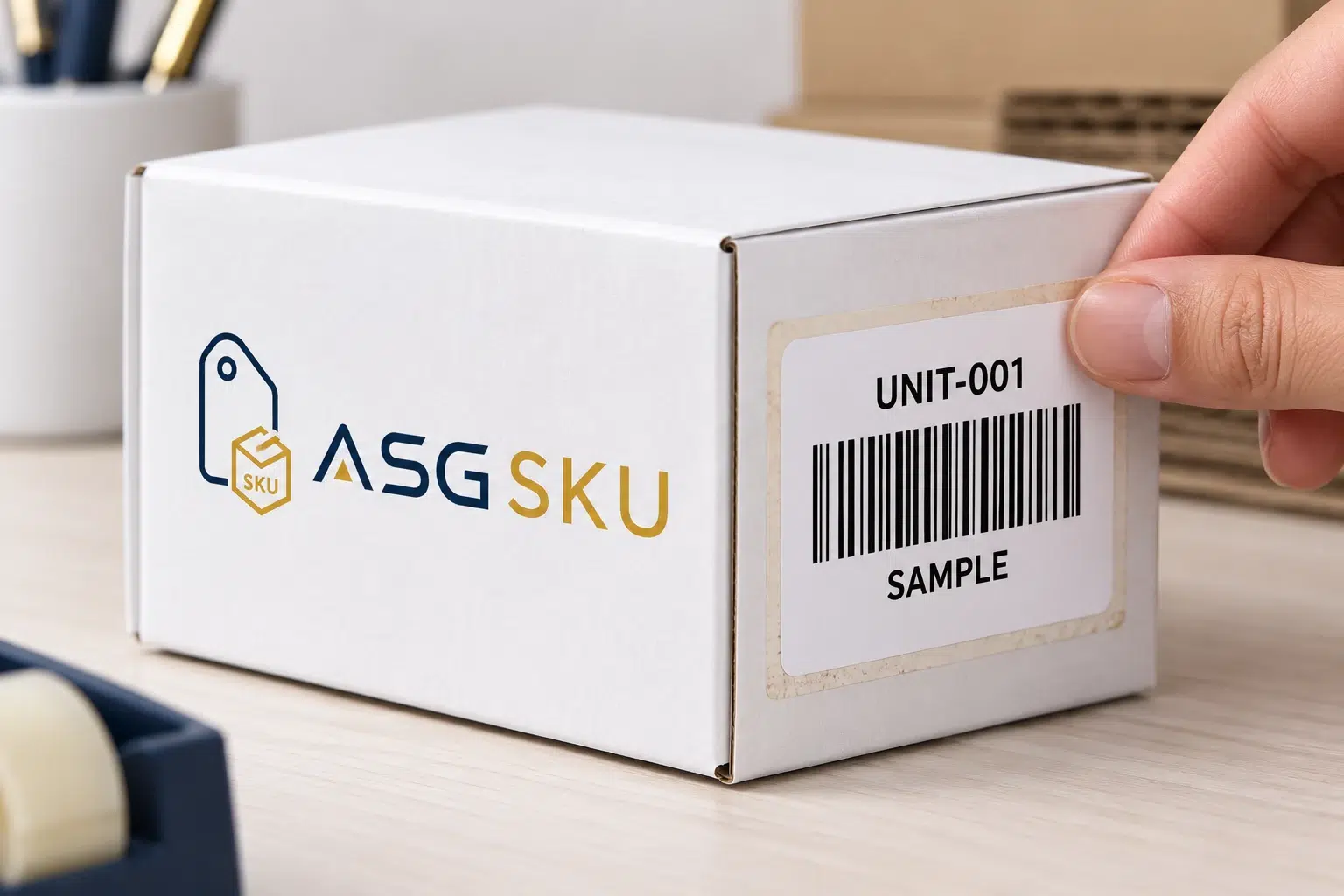
Use the current unit and carton labels from your shipment workflow. Confirm requirements for your selling role and marketplace.
Separate sellable-unit identification from shipping-box identification. Confirm both in the current Seller Central workflow for the target marketplace.
Amazon’s March 2026 update changes manufacturer-barcode eligibility by selling role. Do not assume every seller can use a UPC instead of an Amazon barcode. Read the Amazon announcement.
These are planning checks, not a promise of acceptance. Verify current marketplace and product requirements before each shipment.

Write a rule for the product variant, approved label file and placement. Keep unit labels and carton labels distinct so an application instruction cannot be mistaken for a shipment instruction.
Agree the check method, exception handling and approval owner. When files change, record the version and effective date before revised labels are used.
| SKU | Unit label | Also apply |
|---|---|---|
| TEE-NVY-M | Approved SKU / product label | Size sticker on bag |
| MUG-WHT-11 | Amazon label if required | Carton handling instructions |
| SET-3PK | Approved set-unit label | Set identification as required |
| SERUM-30ML | Approved product barcode | Batch data where required |
Example combinations. We confirm the channel, label file and handling instructions for each SKU.
Swipe or use the arrow keys to view all columns.

Include labeling in the packing instructions before goods move. Keep each version identifiable beside the stock that uses it.
Confirm the available equipment, service scope and responsibilities on your project quote.
Separate correct data, readable printing and suitable material.
Provide authorized product numbers or the label files generated by the relevant platform. An internal SKU is not a substitute for a retail product number.
Review symbol size, contrast, quiet zones and placement on the finished pack. A successful scan is useful, but it is not the same as formal print-quality verification.
Describe the surface, storage conditions and handling. Test the finished label under those conditions; do not infer durability from the face material alone.
Technical references: GS1 barcode quality checks · Measuring print quality. Confirm any required verification equipment and reporting.
Prepare the label specification, application plan and checks for your project quote.
Scroll across to compare all specifications.
| To plan | What to share | What affects the quote | Confirmed in your quote |
|---|---|---|---|
| Label & data | Label type, dimensions, stock, data file and quantity per SKU or design. | Stock, printed size, artwork and quantities by design. | Label specification, minimum quantity and unit price. |
| Application | SKU mapping, label position, roll or sheet format and any old-label covering. | The application and checking scope you request. | Agreed application scope and responsibilities. |
| Checks & delivery | The actual packaging, intended scanning system and delivery destination. | Sample checks, requested verification and delivery scope. | Sample scope, checks and production and delivery timing. |
Send the label specification, quantities and approved data files together. Minimum quantities, prices and timing are confirmed for your project in the quotation. Compare barcode and SKU label MOQs by material.
Define the responsibility at each stage.
Scroll across to compare all specifications.
| Task | Label production | Warehouse application plan |
|---|---|---|
| Data | Approved barcode data and proof | File version matched to SKU |
| Output | Stock, dimensions and quantity | Roll or sheet format for the workbench |
| Placement | Printed sample | Location and orientation on the pack |
| Checking | Agreed print-quality checks | Product, label and order comparison |
| Cartons | Shipment label files | Box-to-label matching and handling |
Scope comparison, not a claim that other printers provide no checks. Confirm project responsibilities with ASG SKU.
Approve the data, physical sample and application plan before the run.
Share variants, authorized barcode data, selling channels and the required unit or carton label files.
Check the readable text, code type, printed dimensions and position on the actual packaging.
Test with the intended system. Agree any formal verification, sample costs and timing separately.
Agree quantity by design, stock, adhesive, pricing, production timing and delivery.
Record the approved version, placement and checking responsibility. Confirm how changes are handed over.
Unit labels, carton identification and the information to prepare.
FBA labeling can involve unit identification and shipment-box identification. Use the label files and instructions for the target marketplace and shipment. An internal SKU label is not automatically an Amazon unit label.
Check unit-barcode eligibility, the box identification generated in the shipment workflow, and any product-specific preparation labels. Manufacturer-barcode eligibility depends on the selling role and current Amazon rules; confirm the requirements in Seller Central before shipping.
Choose a consistent identifier for each variant, such as TEE-NVY-M. Use a barcode format supported by your inventory system, preserve readable text and approve a printed sample on the actual pack. Keep the data file and artwork version linked to the product.
Check the product-number requirements of the intended retailer or marketplace. Provide authorized numbers where required. Internal SKU identifiers and Amazon-generated unit labels serve different purposes; they should not be substituted for retail product numbers.
Label application can be planned before export. Share the current label files, SKU list and shipment instructions, then confirm receiving, placement, checking, relabeling and carton responsibilities with the warehouse.
For barcode and FBA work, use Labels & stickers below and describe the required unit, SKU and carton labels in your project notes.
Fields marked are required. Select all packaging types that apply.
Add these details to your project notes.