The brand stops at the store
The product arrives without a clear brand reference. Decide what the customer should see on the item, its removable tag and its outer packaging.
Bring labels, tags and boxes into one brand system, with a clear material list and packing instruction for each SKU.
Brand artwork → approved materials → SKU instructions
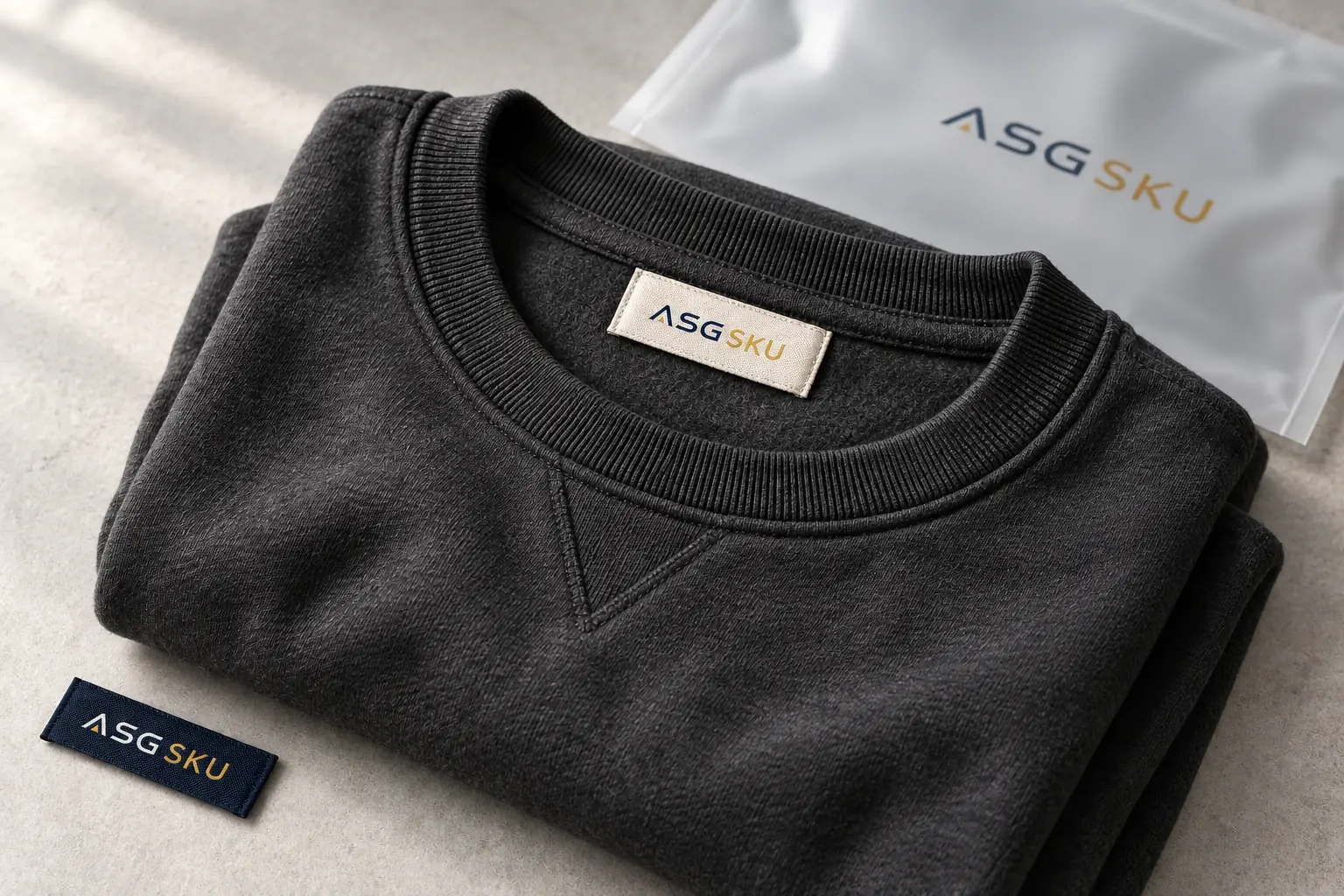
Three gaps to resolve before ordering the first batch.
The product arrives without a clear brand reference. Decide what the customer should see on the item, its removable tag and its outer packaging.
Label dimensions, tag attachment and box size are decided separately. Build one material list around the actual product before briefing suppliers.
A proof changes, but the packing instruction does not. Give each artwork version an approval owner and an agreed changeover point.
Private label packaging is the branded labeling and packaging used to sell another manufacturer’s goods under your own brand. It can include neck labels, care labels, hang tags, product stickers and printed boxes.
The product and its packaging have separate specifications. Start with the product’s dimensions and required information, then decide where the brand should appear and how each part will be attached.
Build the material list and SKU instruction together. Confirm production, storage and application responsibilities before the order.
Separate the brand arrangement from the packing service. They answer different questions.
Brand arrangement
Your brand, with a manufacturer working to an agreed product specification. Define the labels and packaging around that product.
Brand arrangement
Your brand added to a standard product offered to multiple brands. Confirm which product and packaging details can change.
Packing service
A contracted packing or filling service can support a branded product. Agree who supplies the product and which tasks the packer performs.
| Model | Who owns the brand | Who makes the product | Packaging |
|---|---|---|---|
| Private label | Your brand | A manufacturer under an agreed specification | Your approved labels and packaging |
| White label | Your brand | A standard product offered to multiple brands | Branding added to the standard offer |
| Co-packing | Depends on the project | Product may come from a separate manufacturer | A contracted packing or filling service |
Working distinctions for planning. Supplier terminology and service scope can differ; confirm the responsibilities in your agreement.
Build the set from the product outward. Each part needs a specification and an approved reference.
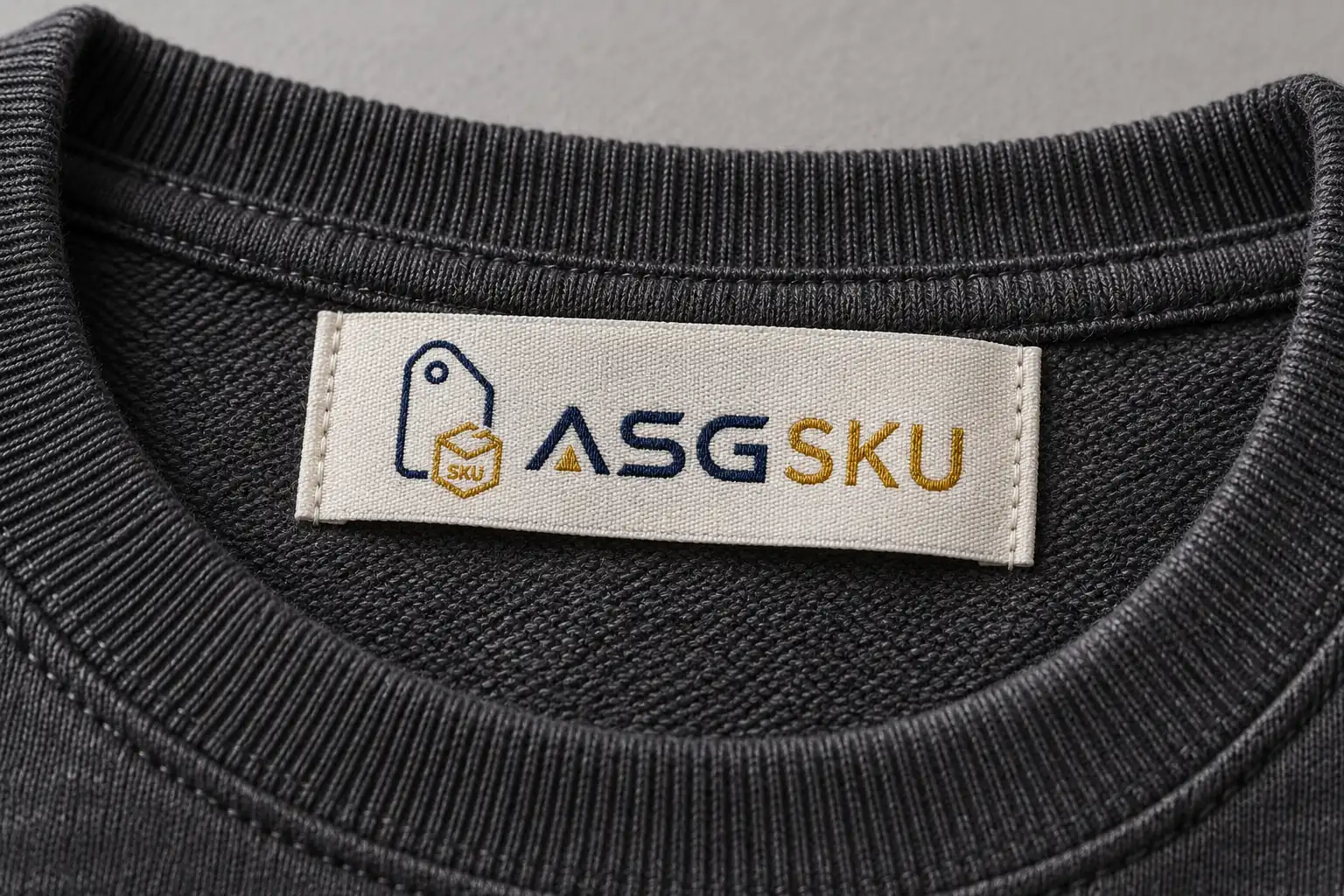
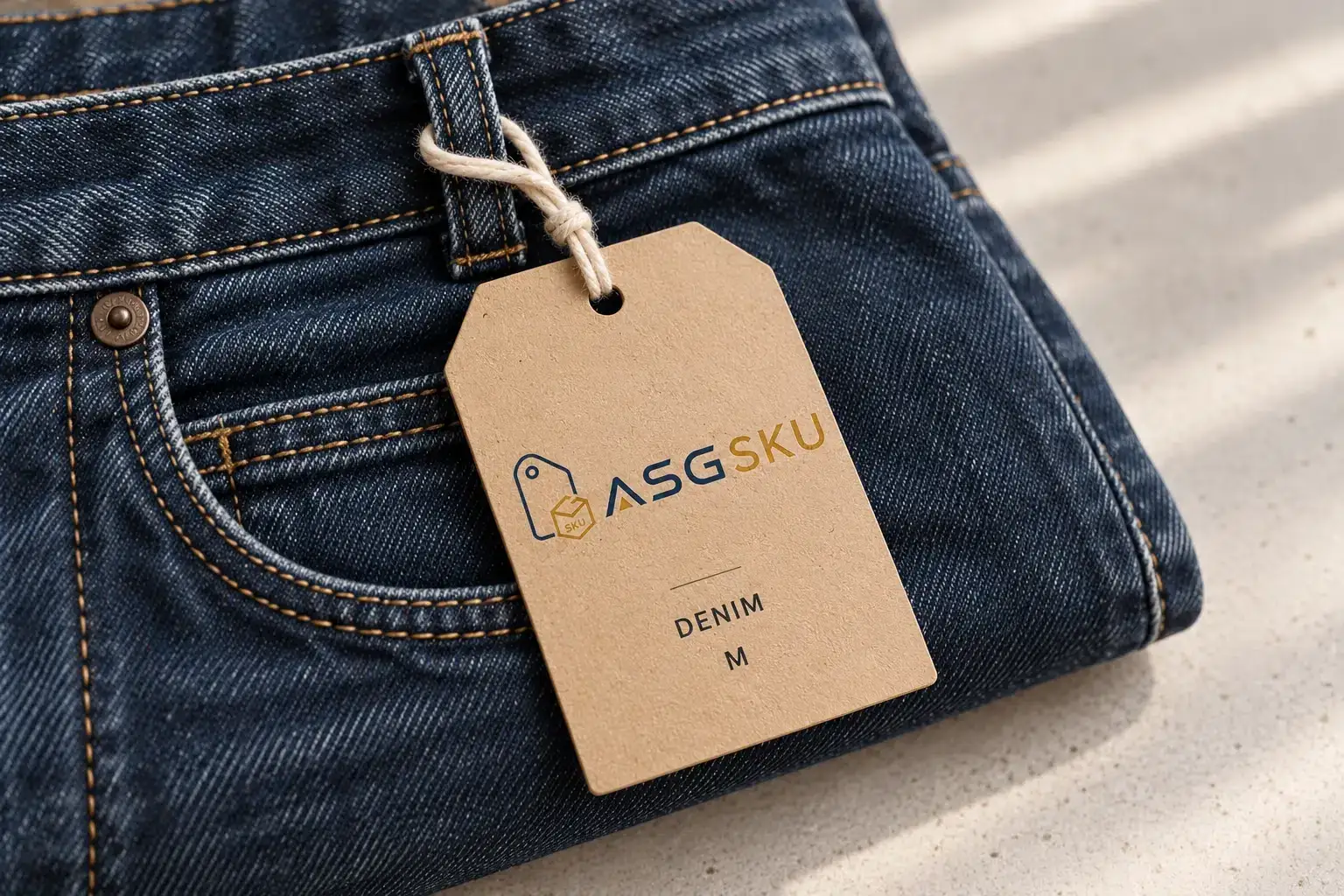
On the product
Specify brand artwork, required product information, finished size, fold and attachment. Keep care content tied to the garment facts.
Match the tag version, cord and attachment to the item. Add size, price or barcode only from approved product data.
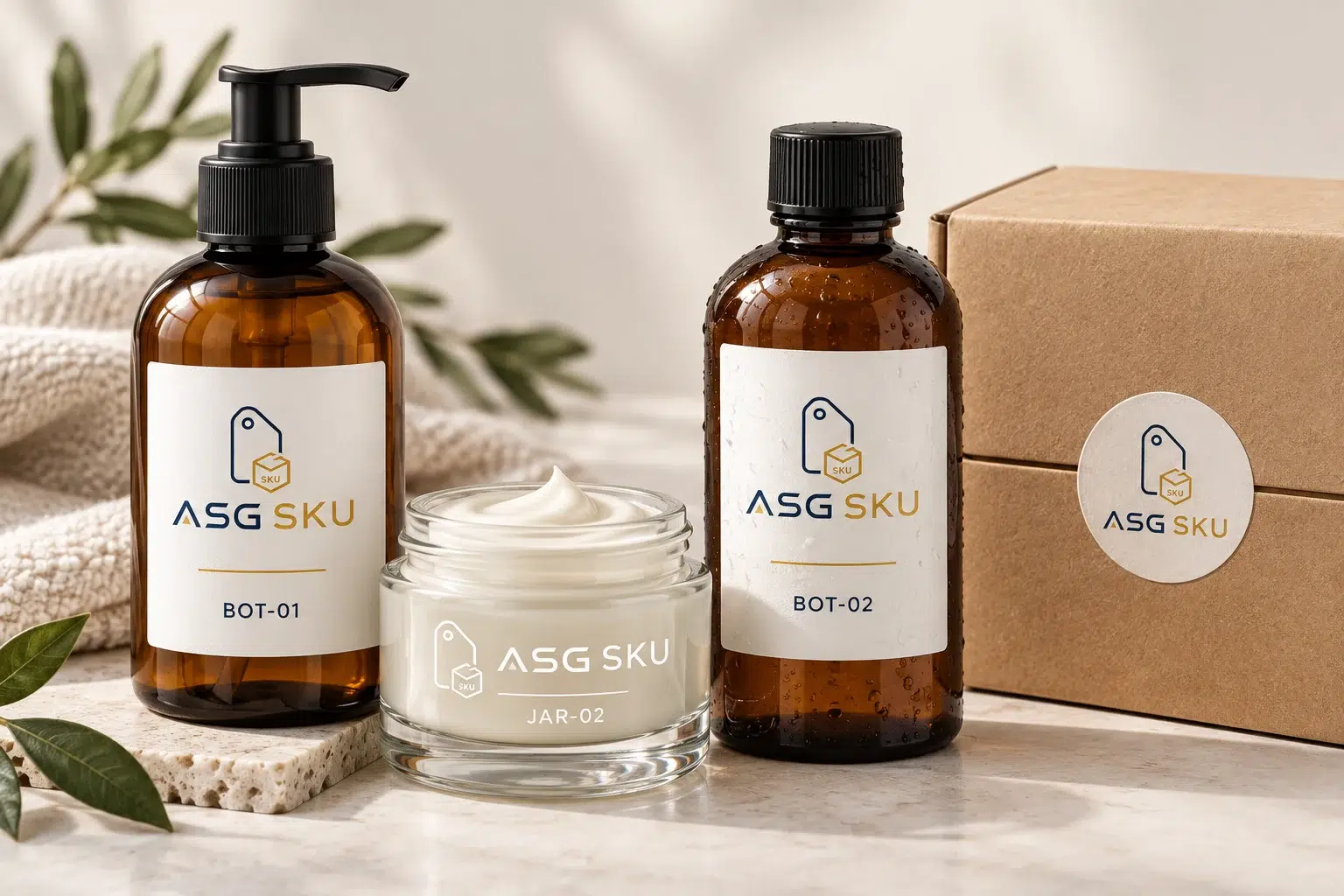
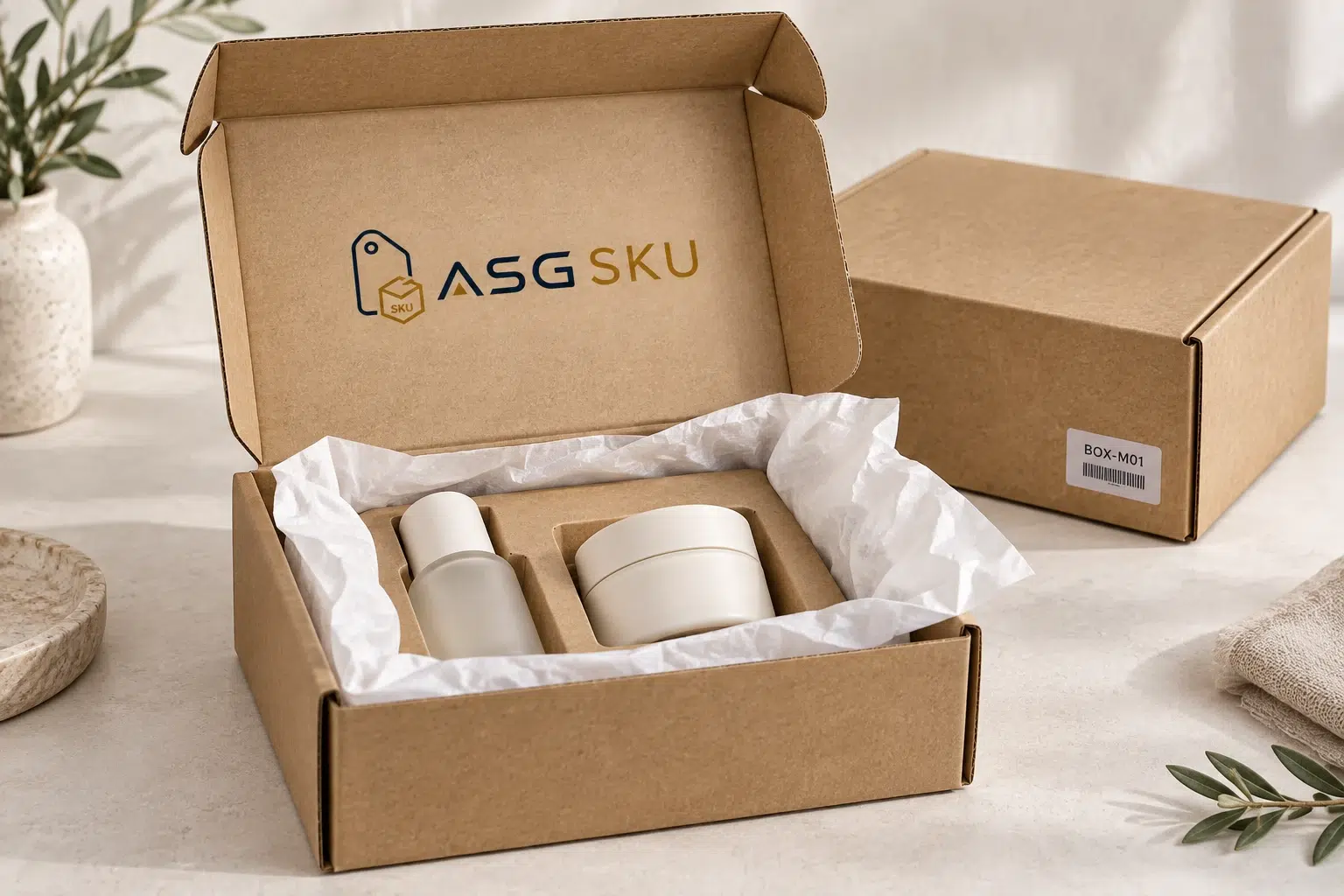
Around the product
Record the substrate, label position and approved wording. Check adhesion on the actual product; preserve required information.
Measure the packed product, choose the structure and define any insert, shipping mark or channel-specific label.
Use the same handoff from artwork to packing, even when different teams handle each step.
Ask who owns each approval and what record passes to the next step. Compare the complete scope, including technical artwork, sampling, receiving and application.
A new design needs an agreed changeover. Do not assume it replaces old stock automatically.
Map the product list to labels and packaging. Supply logo files, approved product information and artwork dimensions.
Handoff: A versioned material list
Agree sample timing and charges. Check actual-size printing, attachment, fit and readability on the product.
Handoff: An approved product-and-packaging sample
Confirm quantity per artwork, material specifications, batch timing and the delivery destination.
Handoff: A confirmed production specification
Agree who receives and counts each material, where it is stored and how stock is identified.
Handoff: A receiving and stock record
Connect the approved parts to each SKU. Define checks, exception handling and when artwork changes take effect.
Handoff: An approved packing instruction
A dropshipping order still needs a precise brand instruction. List the label, tag, sticker and box required for each SKU, including placement and artwork version.
Agree the packing service, checks and exception process before use. A change should have an approval owner and an effective version.
| SKU | Labels | Packaging |
|---|---|---|
| HOOD-OAT-M | Hang tag · oat, size sticker M | Poly bag, branded mailer |
| CAP-BLK-OS | Hang tag · black | Retail box |
| SERUM-30ML | Front label, batch sticker | Printed carton + insert |
| WHOLESALE-CTN | Carton marks, barcode label | Master carton |
Example references. We confirm approved wording, checks and service scope for your products.
Swipe or use the arrow keys to view all columns.

Separate tasks that need production equipment from those suitable for pack-out. A sewn-in neck label, a removable hang tag and a carton sticker need different handling.
Include receiving, storage, scanning, sewing and packing in your request so availability, charges and responsibilities can be confirmed.
The difference is how the parts and approvals stay connected.
Scroll across to compare all specifications.
| Task | Separate sourcing: check with each supplier | Coordinated project: agree one handoff |
|---|---|---|
| Material list | Reconcile label, tag and box references | Maintain a shared product-to-material list |
| Product fit | Arrange samples across suppliers | Approve the parts together on the product |
| Receiving | Confirm each delivery and stock owner | Agree destinations, counts and references |
| Application | Brief each packing or attachment team | Use a versioned SKU instruction |
| Artwork changes | Notify each affected supplier | Agree the effective version and old-stock handling |
Use this checklist when comparing scopes. Confirm which tasks ASG SKU can provide for your project.
Confirm each material, then agree any application and pack-out work.
MOQ, pricing and sample timing are confirmed in your quote. Define artwork, receiving, storage, freight and application scope before approving the project. Compare private label packaging MOQs by material.
Definitions, brand requirements, design support and order packing.
It is the branded labeling and packaging used to sell another manufacturer’s goods under your brand. Depending on the product, the set may include brand and care labels, hang tags, stickers, retail boxes and shipping cartons.
A brand name alone does not establish the right to relabel a product. Confirm the manufacturing agreement, rights to the brand and artwork, and labeling requirements for the product and destination market. Required information must remain accurate. For US apparel, consult FTC textile-labeling guidance; for brand rights, see USPTO trademark basics. Obtain advice for your specific product and market.
Private labeling describes selling a manufacturer’s product under your brand. Co-packing is a contracted service to fill or pack products to an agreed specification. A private-label brand can use a co-packer; confirm whether filling, assembly, labeling or only secondary packing is included.
Bring your logo and approved product information. Specify whether you need a new brand identity, artwork adaptation or production-ready files. Confirm the available design support, deliverables and charges before work begins; technical artwork should not be assumed to include a new brand identity.
It can be planned as part of the order-packing workflow, subject to the product, available service and approved instructions. Define which materials belong to each SKU and how stock and artwork changes are handled. Send the requirements through the quote form so scope, quantities and timing can be confirmed.
Share the product list, brand artwork and materials you need. Request an itemized scope, sample plan and quote.
Fields marked are required. Select all packaging types that apply.
Boxes, Hang tags and Other are selected. For clothing labels, add the type and attachment position in Project notes. Change the selections to fit your project.