The brand message is missing
A product can arrive without a short thank-you or useful next step. Decide what the buyer should know when opening the package, and keep the message focused.
Plan branded thank you cards for your packages, with a clear message and an agreed place in the packing routine.
Choose the card, message and order rules before printing.

Give the card a clear purpose and a place in the packing plan.
A product can arrive without a short thank-you or useful next step. Decide what the buyer should know when opening the package, and keep the message focused.
A discount, review prompt, social link and care guide can compete for attention. Choose the message for the sales channel and avoid requests that conflict with its rules.
Printing a card does not define which orders receive it. Record the card version, order condition and placement alongside the rest of the packing instructions.
Custom thank you cards for small business are printed inserts that carry a brand message inside a package. A package insert thank you card can thank the buyer, explain product care or point to a useful next step appropriate for the sales channel.
Plan the format, paper, front and back copy, and any channel-specific version together. Include it in your custom packaging plan, then confirm printing, storage, insertion and checking responsibilities before the packing batch.
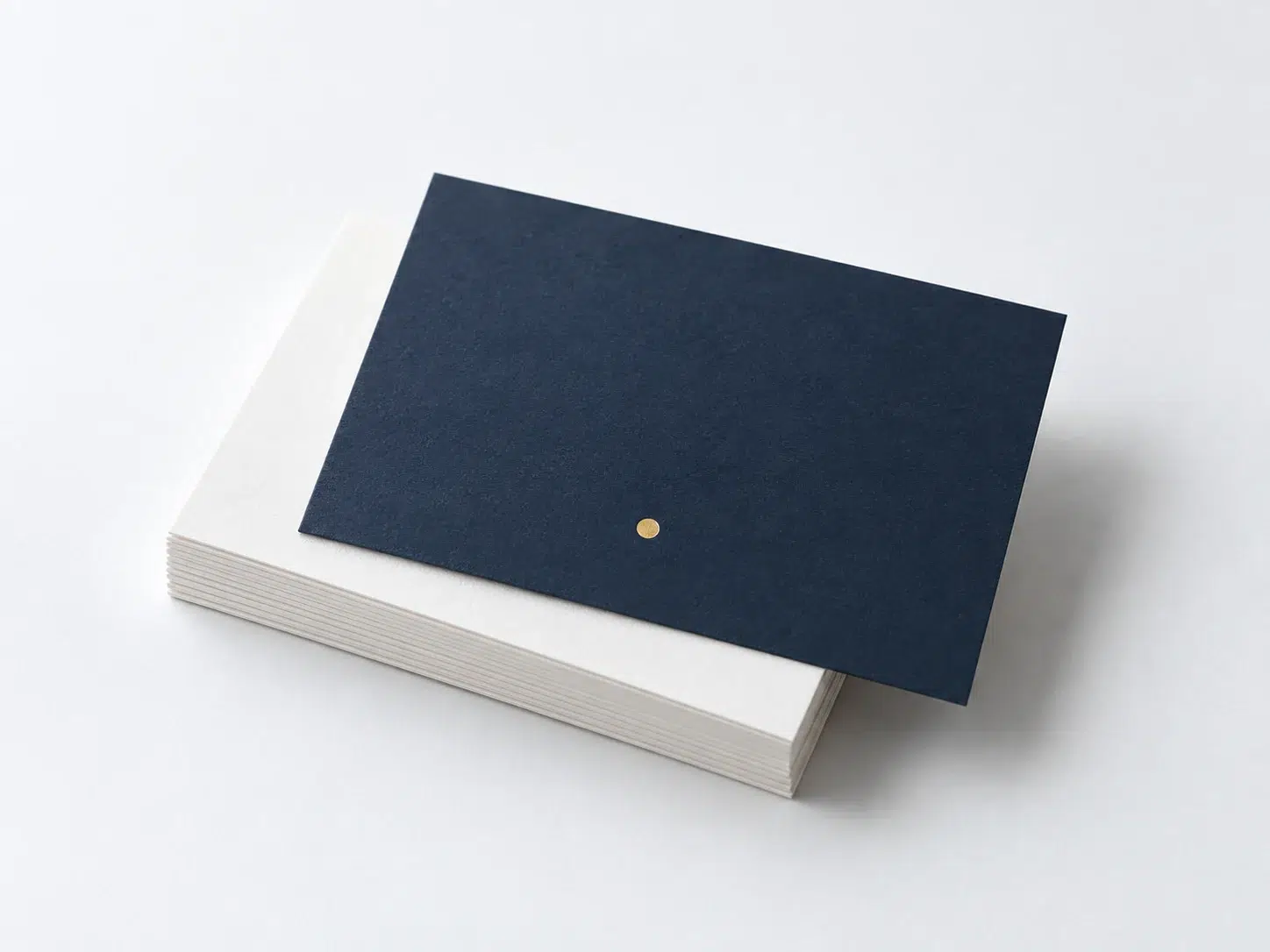
Choose a card format for your package, then confirm the paper and finish.
Scroll across to compare all specifications.
| Format | Best for | Paper & finish |
|---|---|---|
| Postcard size | Thank-you note with a short story or offer | Coated card, matte or soft-touch |
| Business card size | Poly mailers and small parcels | Coated or kraft card |
| Square card | Mailer boxes and gift sets | Thick card, foil or spot UV |
| Folded card | Longer message, care or brand story | Uncoated or coated, scored fold |
Confirm dimensions, paper weight, finishes, MOQ and timing in your quote and approved sample.
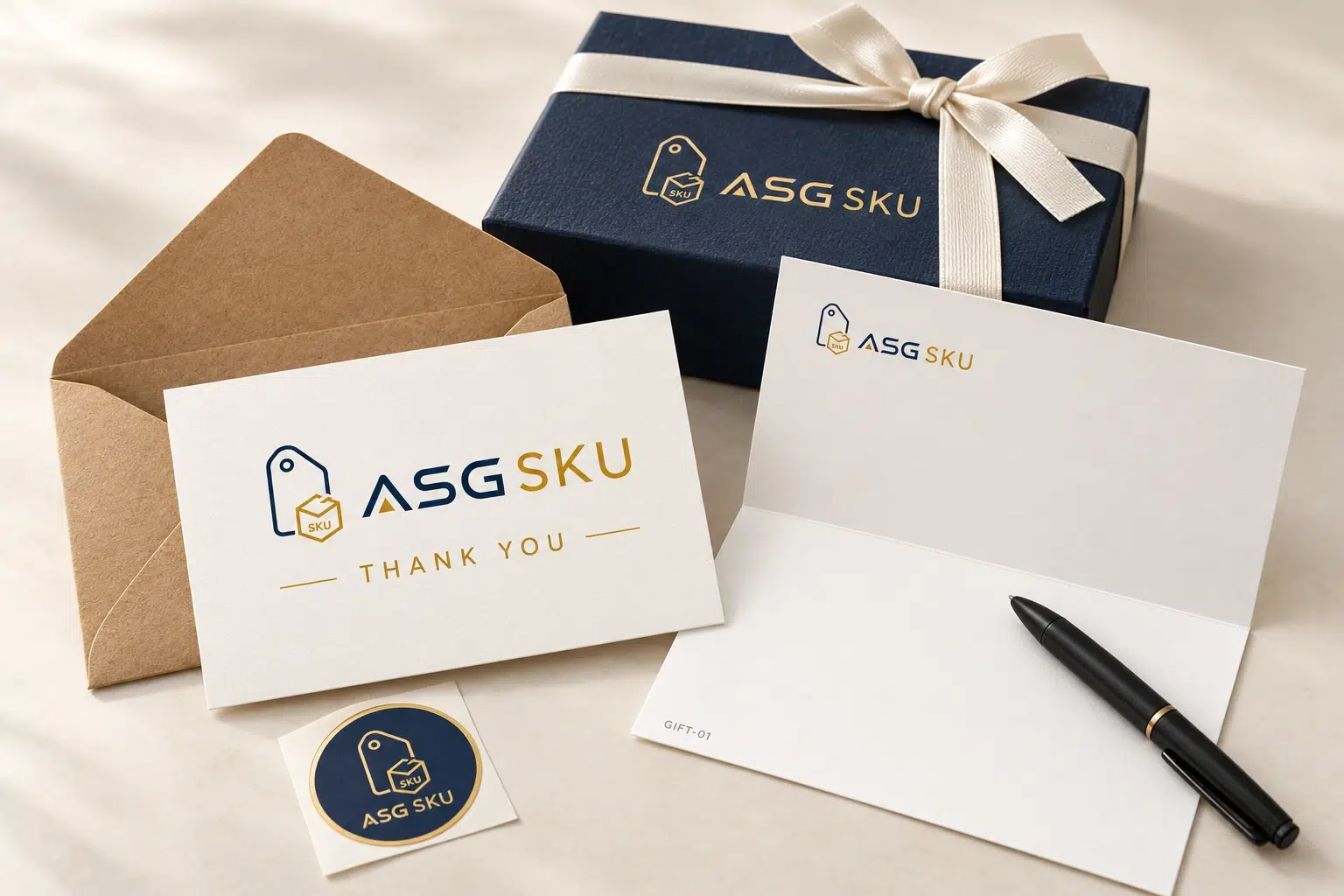
For client gifts or corporate orders, plan the card and envelope as a pair. Confirm the envelope size, printed design, sealing method and position in the gift box.
If you need personalized thank you cards with name fields, provide approved data and agree how each card is matched to its recipient. Confirm printing, handling and checking availability on the quote.
Separate customer messages by channel and order purpose.

For your own-store orders, choose a thank-you, product guide or relevant next-order message. If you use a discount card, define its terms and eligible orders separately from any review request.
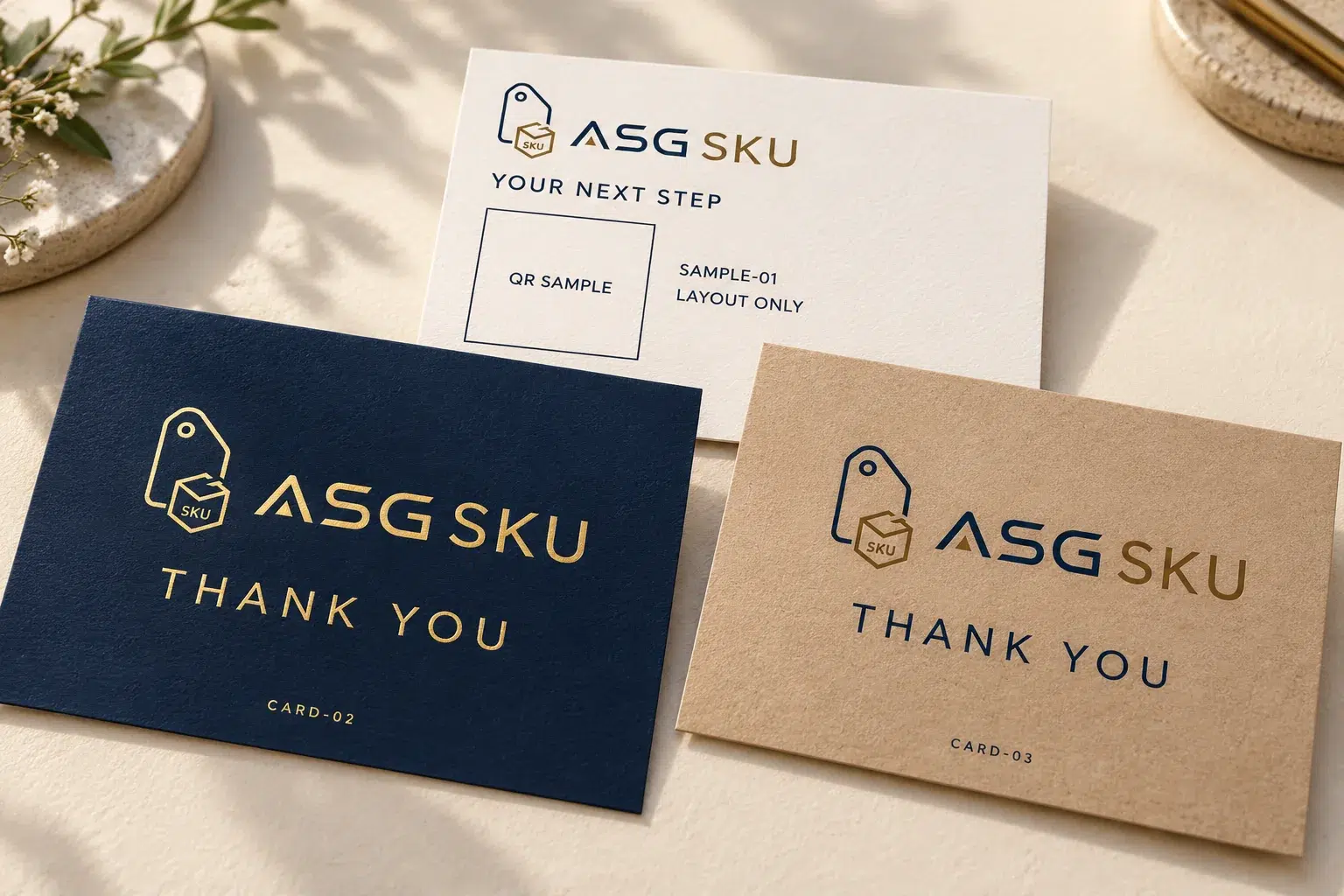
Keep marketplace versions separate from DTC promotions. Plan a neutral thank-you or useful product information and review the applicable channel rules before approving the text or any destination link.
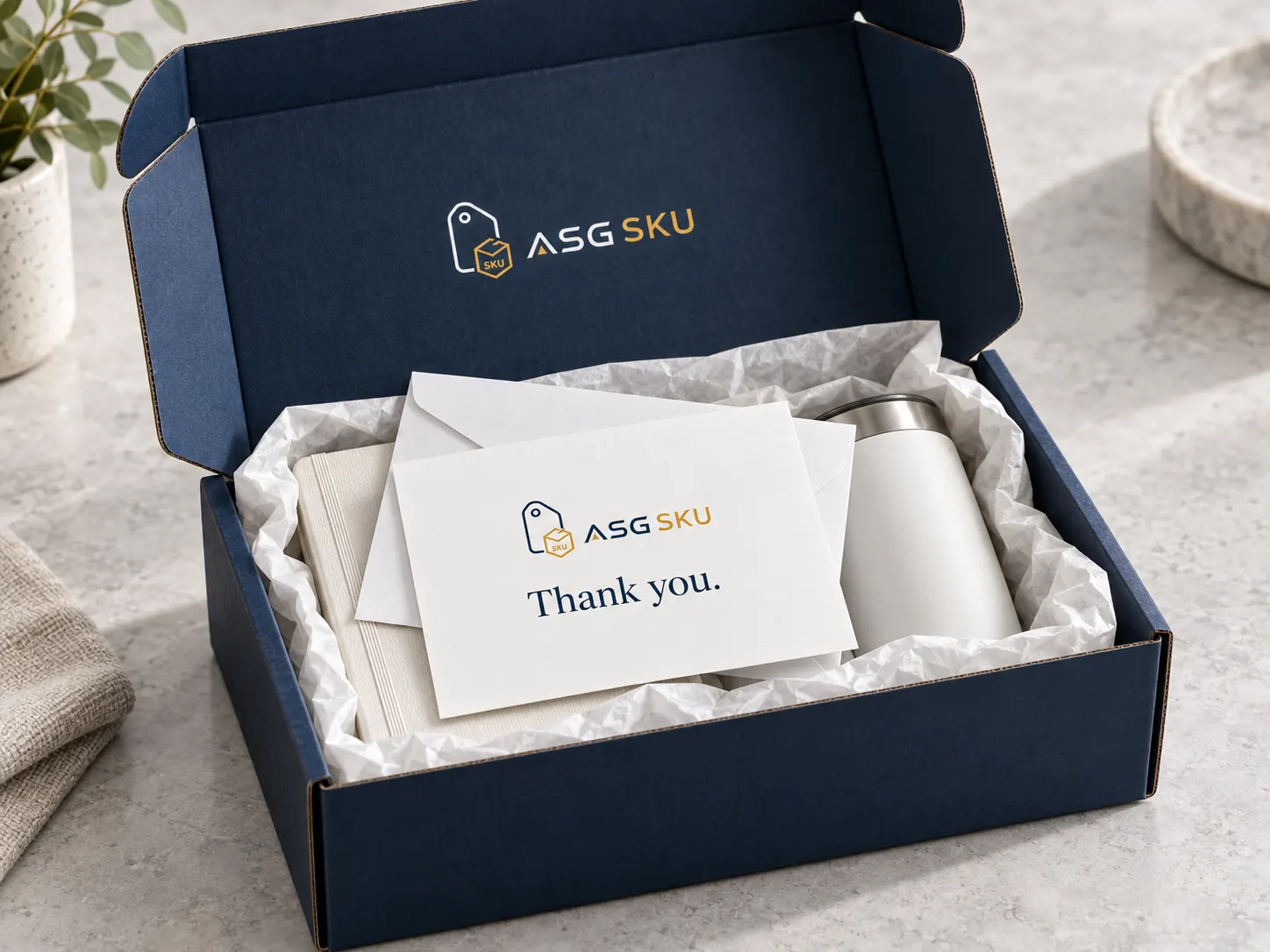
Custom corporate thank you cards can carry a client message with the gift. Request the name or message fields, envelope and matching checks you need, then confirm the scope before printing.
Choose the destination before placing a QR code in the artwork. A care guide or setup page needs different content from an own-store reorder page. Confirm that the link and message are permitted for the channel.
For an own-store campaign, agree tracking and reporting separately. A printed code alone does not establish attribution or promise another sale. Approve the real destination and test the finished printed sample.

Link the card version to the SKU, bundle, channel or agreed order condition. Record the quantity and position, plus any envelope or additional insert that belongs with it.
Before a seasonal or promotional change, agree who approves the artwork and how old stock is handled. Order-tag routing, stock records, automatic updates and checking coverage must be confirmed in the project scope.
| SKU or tag | Card | Add to order |
|---|---|---|
| OWN STORE: FIRST ORDER | Welcome card · approved message | Agreed seal or insert |
| SKN-SET-01 | Thank-you card · care guide | Approved additional material |
| SUB-BOX-MONTHLY | Monthly card · [MONTH] | As specified |
| WHOLESALE ORDER | Client card + envelope | Approved product information |
Example rules. We confirm the supported order data, card versions and changeover process before use.
Swipe or use the arrow keys to view all columns.
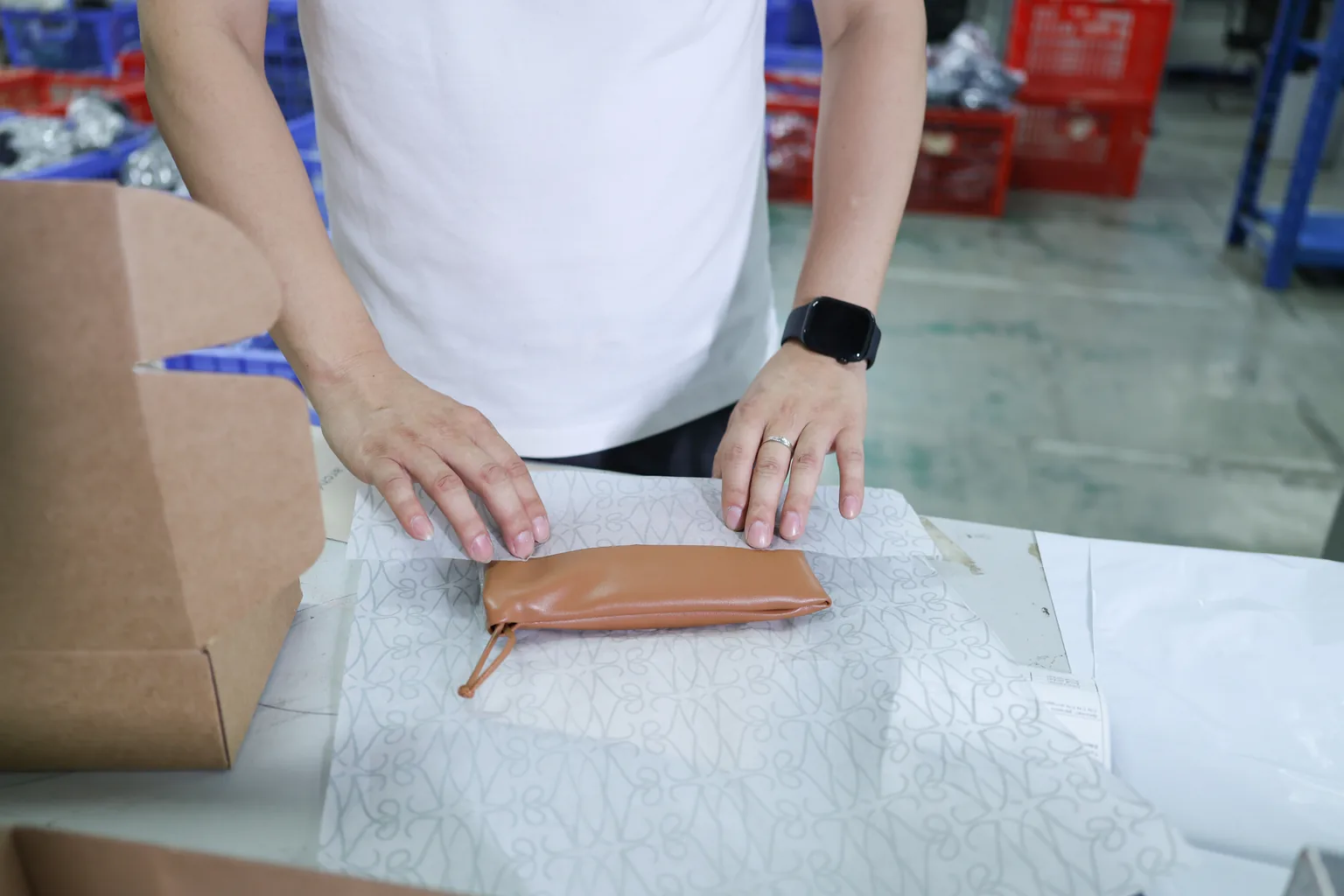
Specify when the card is added, which side faces up and where it sits in the package. Confirm warehouse availability, stock access and the handling tasks before assigning the work.
Request any order scan, recipient matching or exception records explicitly on your quote.
Approve the physical card, the message and any linked destination.
Confirm the paper weight and finish, then check the card inside the intended package. Review edges, folds and handling rather than judging the stock only from a screen.
If a real QR code is included, agree scan checks on the printed sample at the finished size. Review the destination page as well as the artwork.
Request supplier documentation for recycled content or a named certification. Confirm stock availability and the wording of any material claim before it appears on the card.
Share the card format, paper, finish, design versions and quantities.
MOQ, pricing and timing are confirmed in your quote. Specify recipient names, unique QR codes, envelopes and order insertion separately; include them only if agreed. Compare thank-you card MOQs by material.
Agree who owns the artwork, card stock and order assignment.
Scroll across to compare all specifications.
| Task | Print and supply plan | Insertion and stock plan |
|---|---|---|
| Card production | Approved format, artwork and finish | Correct version available for packing |
| Delivery and stock | Quantity and delivery location | Agreed storage and version records |
| Order assignment | Clearly identified designs | Supported SKU, channel or order conditions |
| Seasonal changes | Approved replacement artwork | Agreed changeover and old-stock handling |
| Reordering | Print quantities and production schedule | Agreed count and reorder responsibility |
This compares work stages, not competitor capabilities. Confirm the actual services, responsibilities and fees.
Resolve the message and placement before the full print run.
Share the package dimensions and card purpose. Compare the format, paper and finish.
Provide the logo, front and back copy, channel and any approved destination link or data.
Check the finished print and fit; agree code testing, sample cost and timing.
Approve quantities per design, the production schedule and delivery location.
Record which orders receive each version, where it goes and the agreed checks.
Messages, channel rules, quantities and insertion planning.
Start with a short thank-you, add a line that fits your brand, and choose one useful next step for the sales channel. This might be product care or setup information. Keep promotional messages separate from review requests and approve both sides before printing.
Results depend on the message, audience and order context; a card does not guarantee repeat sales. For an own-store campaign, decide what you want to measure and confirm the tracking setup. Evaluate actual visits or orders without assuming every scan caused a purchase.
Amazon permits neutral requests for a review, but not requests for a positive review, rewards in exchange for a review, or instructions to contact the seller instead of leaving a negative review. Review the insert text and QR destination against the current rules for your marketplace before printing. Read Amazon’s product insert guidance.
The minimum needs confirmation for your format, paper, finish and number of versions. Send quantities per design and ask whether any versions can share a run. Confirm sample charges, production pricing and timing in the quote.
Request the card assignments you need by SKU, channel or order type. The available order data, handling and checking scope must be confirmed before use. Plan them with your packaging inserts and include the assignment details in your quote request.
Share your package, card message and order types to plan printing, any envelopes and the insertion requirements.
Fields marked are required. Select all packaging types that apply.
Insert cards is selected for your thank-you cards. In your notes, add the format, channel, artwork versions, any recipient data or QR destination, and requested insertion checks.