Similar labels, different variants
Small differences in the product code can be easy to miss. Keep each FNSKU file paired with its SKU and variant, and agree how that match will be checked.
Plan unit labels, set labels and carton labels together before your FBA shipment leaves China.
Share your Seller Central files to confirm the printing, application and checking scope.

Keep the unit, the carton and the shipment record connected.
Small differences in the product code can be easy to miss. Keep each FNSKU file paired with its SKU and variant, and agree how that match will be checked.
A print file does not show every packing step. Record the label position, barcode coverage and any set or bag requirements before application.
Decide where labeling belongs in the shipment plan. Include any repacking and approval steps before agreeing the dispatch schedule.
An FNSKU is an Amazon inventory identifier. Keep it mapped to your own SKU, the product and its variant; an internal SKU is not a substitute for the unit barcode required by Amazon.
Unit identification and carton identification are separate tasks. Use the files and barcode requirements for your account, product and destination marketplace. Keep carton assignments alongside the unit list when preparing your barcode, SKU and FBA labels.
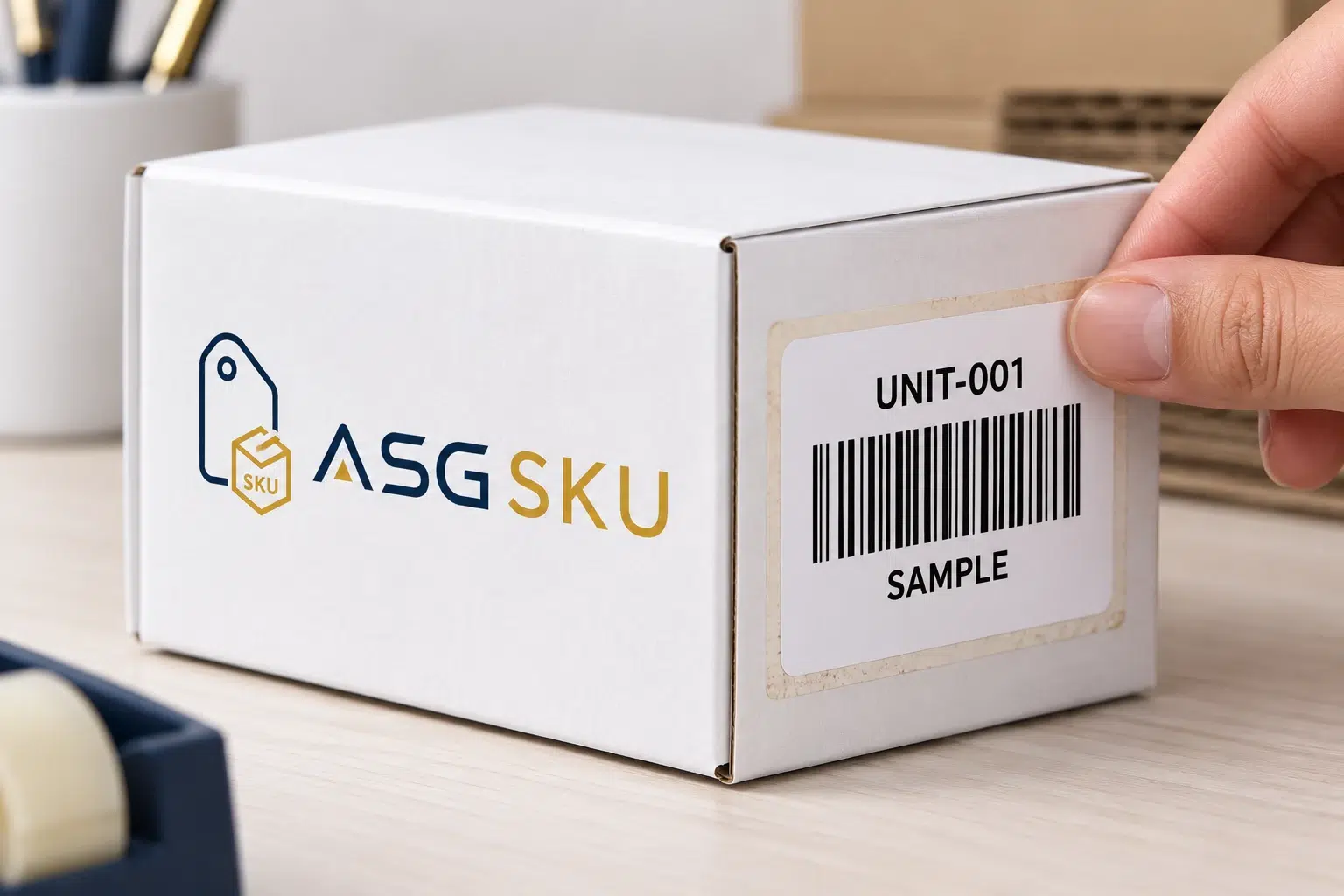
Choose the label format and adhesive for the actual unit or carton.
Scroll across to compare all specifications.
| Label | Goes on | Typical format |
|---|---|---|
| FNSKU unit label | Each unit requiring an Amazon barcode | From approved Seller Central file |
| Opaque cover label | Where an existing barcode needs covering | Coverage area to confirm |
| FBA box ID label | Each shipping carton | From your shipment PDF |
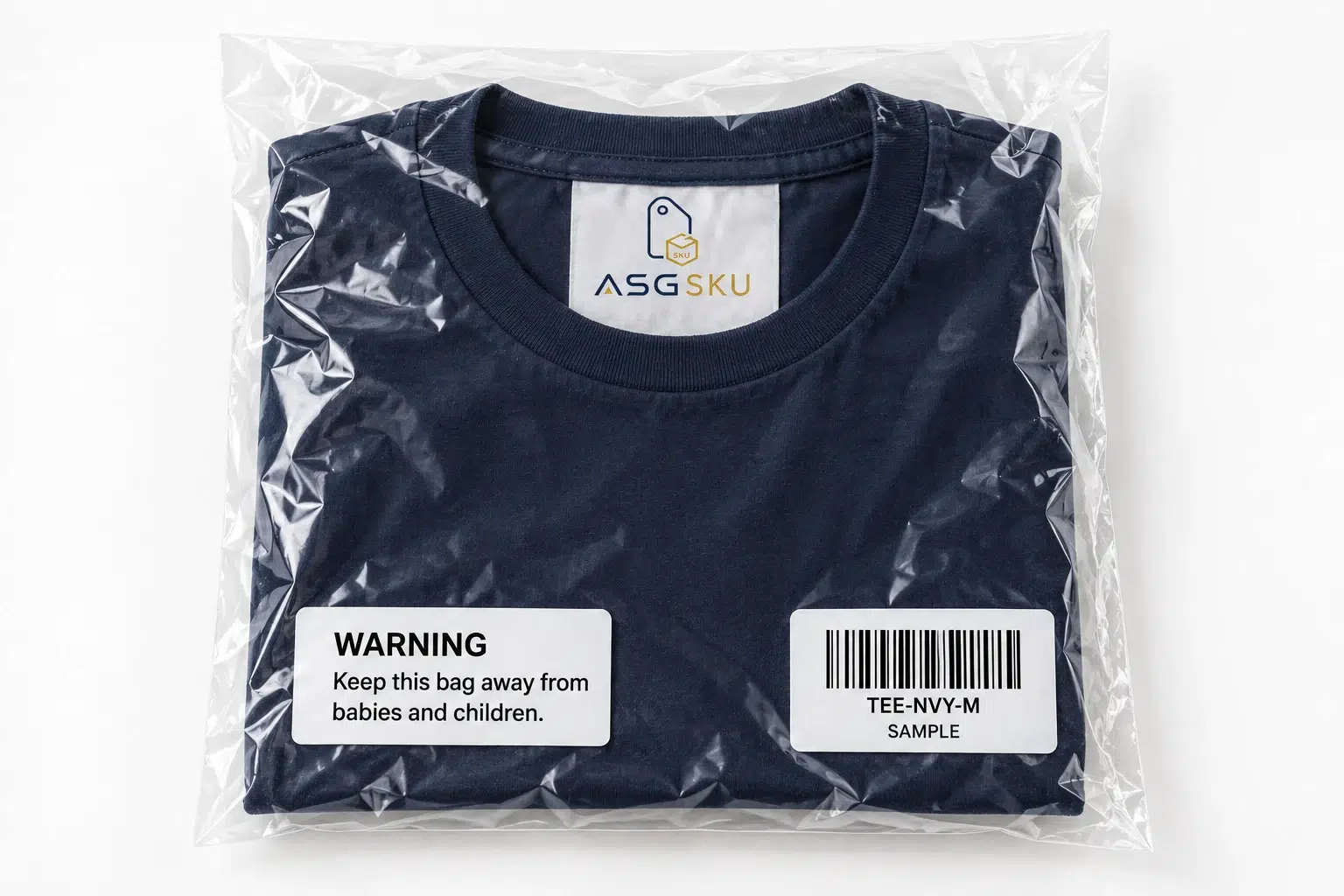
| Warning and set labels | Bags and multi-packs as required | Approved wording and format |
Confirm label stock, adhesive and print format for the actual unit, bag or carton. Review placement and any agreed checks against your approved label files and shipment requirements. Minimum quantities and timing are confirmed in your quote.
Match the label set to the way the stock will be sold.

Prepare the unit list, carton assignments and label files together. Request the printing, application, counting and checking tasks you need; confirm the agreed scope before booking freight.
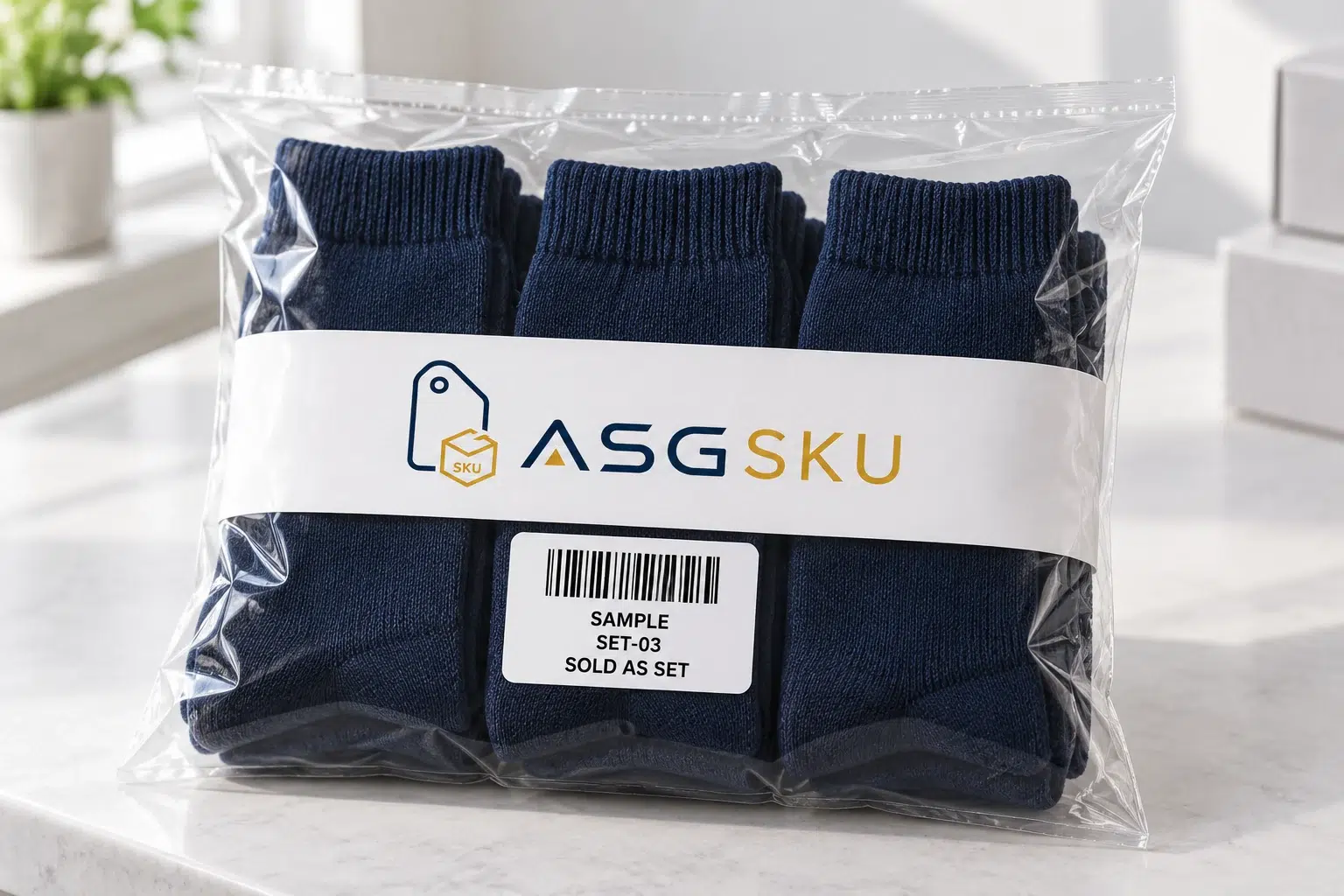
Define the components and quantity of each sellable set. Provide the assigned set identifier and required outer-packaging instructions so bagging, set marking and label placement can be planned together.

Keep merchant-fulfilled stock and FBA allocations distinct in your SKU records. Apply the agreed label set for each destination and document any relabeling when stock changes channel.
Use the current requirements for your account, product and destination.
Scroll across to compare all specifications.
| Requirement | What to confirm | Planning record |
|---|---|---|
| Unit barcode | Confirm Amazon or eligible manufacturer barcode requirements | Record the account, product and marketplace decision |
| Print and placement | Black ink on non-reflective paper; FNSKU, product title and condition; flat, visible and clear of edges | Approve the file and position on the finished packaging |
| Barcode coverage | Cover other product barcodes when required; leave Transparency codes visible | Mark what to cover and what to preserve |
| Carton identification | Unique box ID from the shipment PDF; no label reuse; avoid seams and keep carrier label separate | Pair each carton with its assigned file |
| Bag and set preparation | Put required identifiers outside extra packaging; confirm warnings and set markings | Agree bagging, bundle contents and additional labels |
Official references: Amazon prep and labeling guide · FBA shipping label reminder · 2026 barcode eligibility update.
Inspect the placement examples.
Keep each SKU, assigned FNSKU file, artwork version and placement instruction together. Record additional labels and which existing codes must remain visible.
Agree the checking method and how mismatches should be handled before packing. Per-unit scanning, automatic stops and completion records need explicit confirmation in the project scope.
| SKU | FNSKU file | Also confirm |
|---|---|---|
| LAMP-WHT-US | [Assigned FNSKU] | Agreed cover-label position |
| SOCK-NVY-3PK | [Set FNSKU] | Set marking; warning if required |
| MUG-GRN-12 | [Assigned FNSKU] | Approved unit and carton positions |
| CASE-CLR-S | [Assigned FNSKU] | Opaque label; stock to confirm |
Example rules. We write the final instructions from your SKU list and shipment files.
Swipe or use the arrow keys to view all columns.

Bring the stock, approved label files and packing instructions into one work plan. Confirm the warehouse location and available services before assigning the shipment.
Include equipment, scan coverage, exception handling and dispatch timing in the confirmed scope.
Approve the files, the sample and the checks before the production batch.
Supply the Seller Central downloads and keep unit and carton files clearly identified. Confirm format, print settings and any file revision before the batch is printed.
Review label adhesion, opacity and the effect of handling on the real packaging. Ask for the appropriate stock and agree any removal or durability checks on the sample.
Request the photo views and checking records you want before dispatch. Confirm availability, coverage and approval responsibility on the quote; photos alone do not establish scan performance.
Plan unit labels, carton labels and any additional packing work in one project quote.
Scroll across to compare all specifications.
| To plan | What to share | What affects the quote | Confirmed in your quote |
|---|---|---|---|
| Units & label files | SKU list, label PDFs and quantities for each product or variant. | Label stock, dimensions, quantity and the application surface. | Material specification, minimum quantity and unit labeling price. |
| Cartons & packing | Shipment plan, carton counts, and any bagging or set-label requirements. | Carton labeling, bagging, kitting or other requested packing work. | The included tasks and any separately quoted services. |
| Checks & dispatch | Placement instructions, requested checks and your target dispatch date. | Sample review, checking scope and the production and dispatch plan. | Agreed responsibilities, sample scope and timing. |
Share your unit and carton quantities, label files and packing requirements together. Minimum quantities, prices and timing are confirmed in your project quotation. Compare FBA label MOQs by material.
Compare the handovers in your own route before selecting a preparation location.
Scroll across to compare all specifications.
| Decision | Before origin dispatch | After destination arrival |
|---|---|---|
| Stock handover | Confirm stock access at origin | Confirm receiving arrangements at destination |
| Label files | Approve files before origin packing | Approve files before destination preparation |
| Packing changes | Include changes before export cartons close | Plan any unpacking and repacking |
| Checks and release | Agree records and release before dispatch | Agree records and release before onward delivery |
This compares planning stages, not provider capabilities or guaranteed savings. Confirm the actual route, fees and responsibilities.
Start with the product list and finish with an agreed release process.
Send the SKUs, ASINs, assigned identifiers, quantities and destination marketplace.
Provide the current unit and box label files from your shipment workflow.
Confirm a sample unit and carton, stock and positions; agree sample timing.
Approve the quantities, additional preparation, checking scope, fees and schedule.
Define the completion records, exception handling and who approves the freight handover.
Unit identifiers, current eligibility and label preparation.
An FNSKU is an Amazon inventory identifier used to associate an item with the relevant seller inventory. Keep the assigned identifier mapped to your internal SKU and variant. Use the approved Amazon label file for the exact item rather than copying a sample code from an image.
FBA labels identify sellable units and shipping cartons. Additional preparation labels may apply to bags, sets or specific products. For your project, list each label file, its destination and its placement. Printing, application and checking services must be confirmed on the quote.
Requirements depend on the product, preparation and destination. Confirm the applicable unit barcode, carton label and any warning or set marking in the current shipment workflow. Review Amazon’s prep and labeling guide and the box-label reminder before approving the packing instructions.
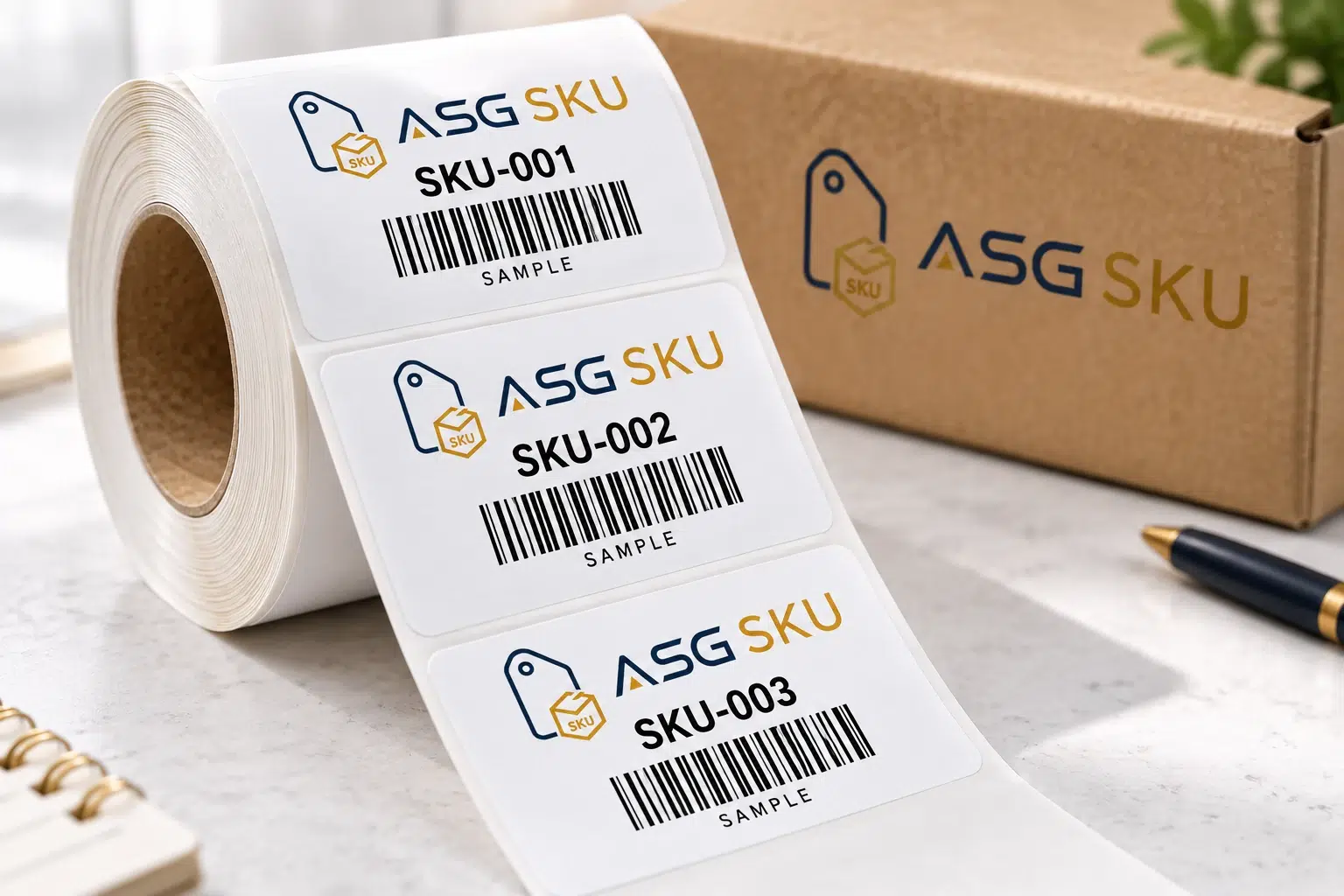
Use a print format supported by your current Seller Central workflow and suitable for the product packaging. Send the original download with your requested stock and format so the finished sample can be checked. The example roll shown here does not establish an approved label size.
A UPC alone does not establish eligibility. Amazon’s update for shipments from March 31, 2026 requires resellers to use Amazon barcodes even when a manufacturer barcode exists. Brand owners with the Brand Representative role in Brand Registry may use eligible manufacturer barcodes; products without them need Amazon barcodes. Confirm your account, product and marketplace in Seller Central. Read the official barcode eligibility update.
Share your SKUs and shipment plans to confirm printing, application, label placement and the checks to include.
Fields marked are required. Select all packaging types that apply.
We have pre-selected in your project notes, add the destination marketplace, label positions, barcode coverage, bag or set requirements, and requested checking scope. Labels & stickers.